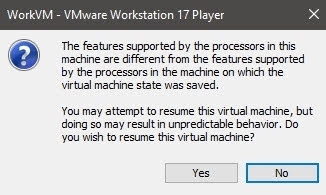
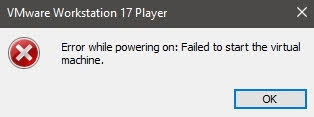
I was unable to enable virtualization on my Windows 10 VM on a Windows 10 host. I did have virtualization enabled in the BIOS, but that didn’t seem to help. When I check the box to enable this feature, Virtualize Intel VT-x/EPT or AMD-V/RVI, I would get an error.
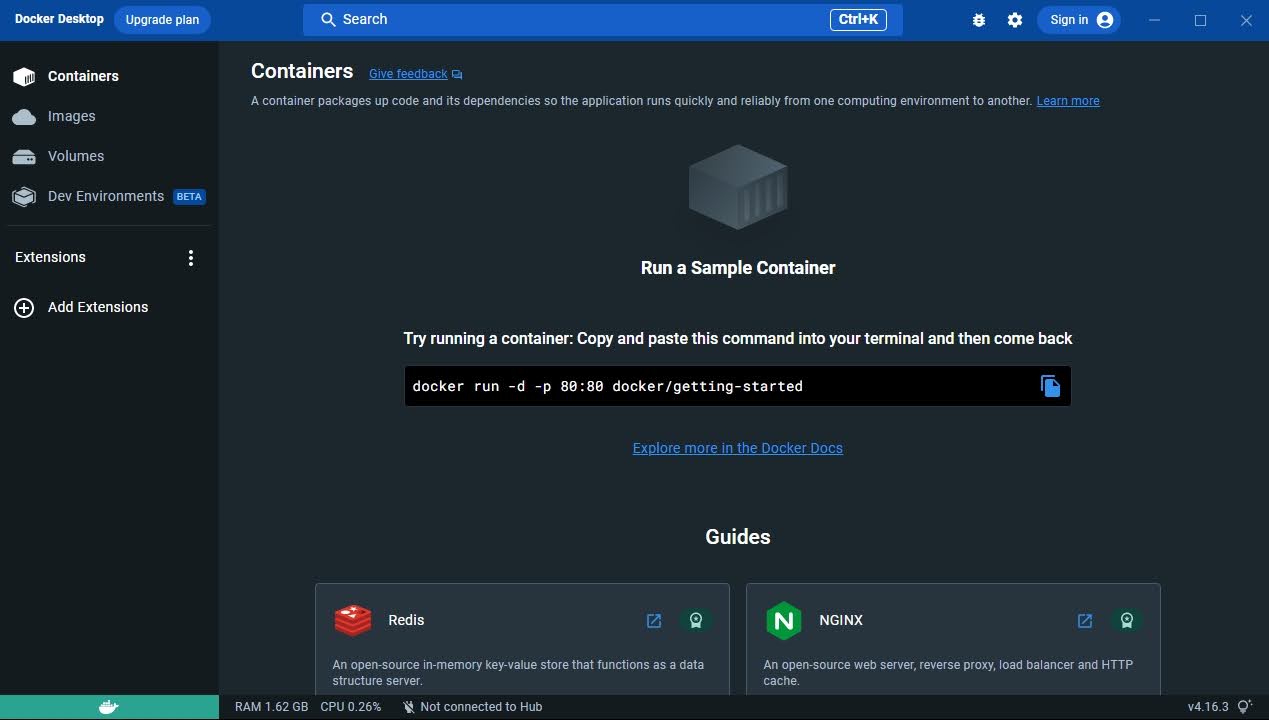
I want this feature enabled to run Docker in my VM.
This is my system configuration:
Microsoft Windows 10 Pro
    - Version 10.0.19045 Build 19045
Intel(R) Core(TM) i7-6700K CPU @ 4.00GHz, 4008 Mhz, 4 Core(s), 8 Logical Processor(s)
American Megatrends Inc. 1.I0, 6/26/2018
Installed Physical Memory (RAM) 32.0 GB
Realtek High Definition Audio
Killer E2400 Gigabit Ethernet Controller
Samsung SSD 850 EVO 500GB
Samsung SSD 850 EVO 500GB
WDC WD10EZEX-08WN4A0
I know my computer is more than capable of running a VM with virtulization. I found several powershell commands out there, and running them did not help. I did some digging and found that certain windows features need to be disabled for virtulization to work in a VM.
I resolved this problem by doing this:
- Open Turn Windows features on or off.
- Turn off the following features:
– Hyper-V
– Virtual Machine Platform
– Windows Hypervisor Platform
– Windows Sandbox
– Windows Subsystem for Linux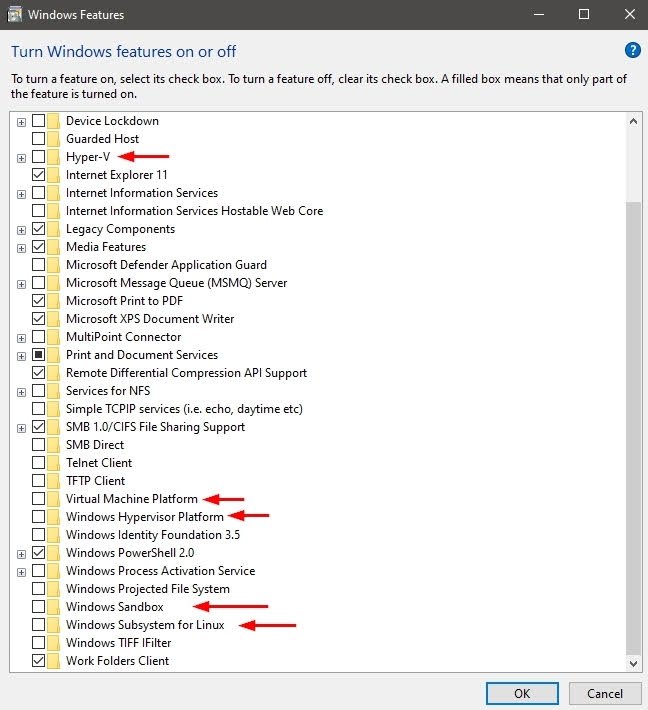
- Save and restart the computer.
- Open VMWare Player
- Select the VM and edit the VM settings
- Enable Virtualize Intel VT-x/EPT or AMD-V/RVI
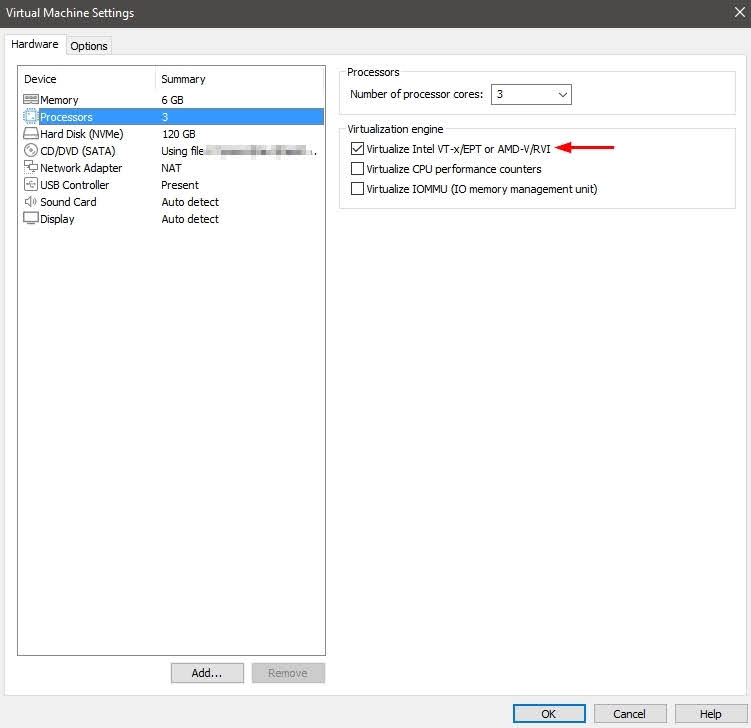
Once the virtual machine is up and running, install Docker. This will require installing WSL2 in the VM. If everything is done right, Docker should start successfully.