In this post, I will share the steps I used to create a very simple website using Tomcat webserver, and Namecheap DNS.
Web server configuration
Download the latest tomcat. The version in this case is 9.0.6. Download it HERE .
Create the following directory –
D:\MyWebsites
Paste the tomcat package directory inside the MyWebsites directory
Rename the package to the directory name of the website
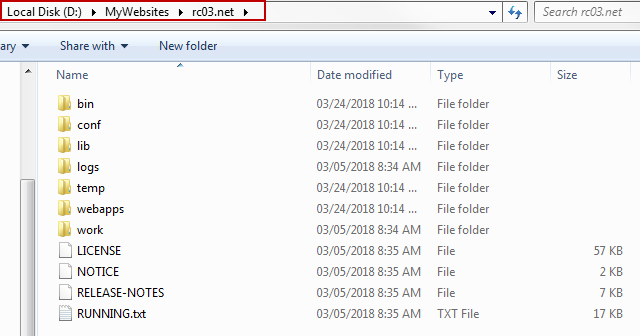
This directory will serve the website
Download jdk HERE . This step is not necessary depending on how java is installed on the machine. I prefer deploy java in this manner.
Deploy jdk in the following directory –
D:\java\jdk64-1.8.0_161
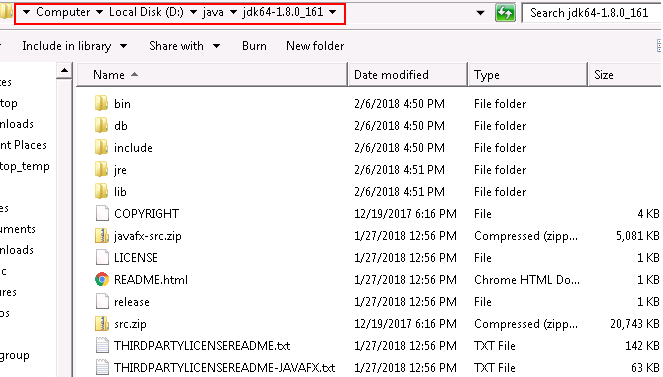
Java directory
Create setenv.bat file and place it in the \bin directory. Specify the java home in the file.
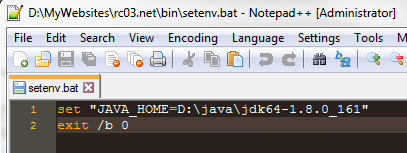
setenv.bat
Create an index.html file and drop it in the following directory –
D:\MyWebsites\rc03.net\webapps\ROOT
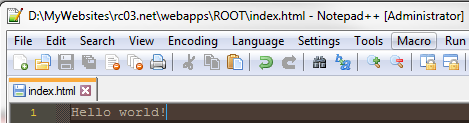
index.html
Run the startup.bat in the \bin directory
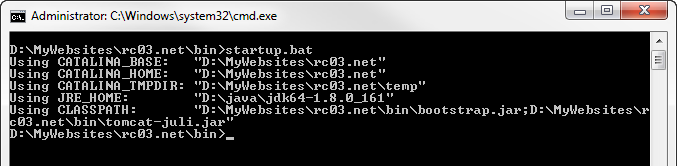
Running startup.bat will show the environment variables
Access localhost:8080 in the browser
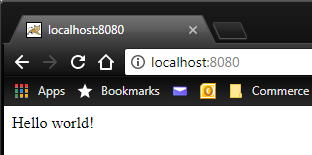
localhost
Router Configuration
Gather the internal IP address of the machine that is running the tomcat server –
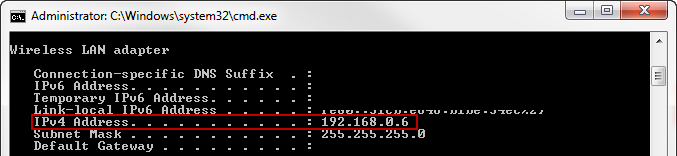
ipconfig
Open the router configuration page and find the port forwarding settings. This can be typically accessed at
192.168.0.1.Add a new rule for forwarding http traffic to port 8080
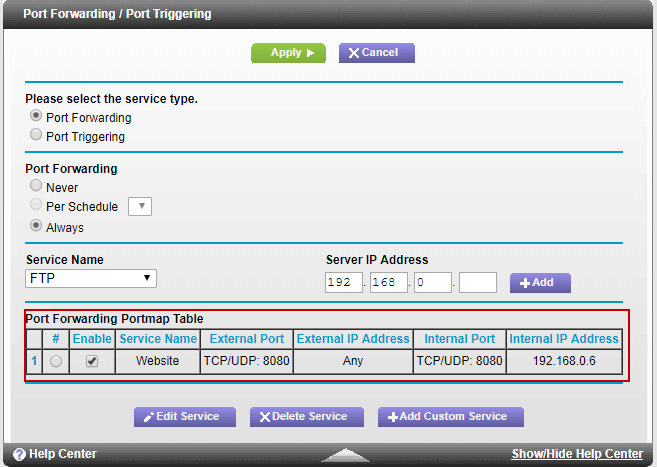
Port forwarding
Go to CanYouSeeMe.org .
Type in the port and click on the Check Port button
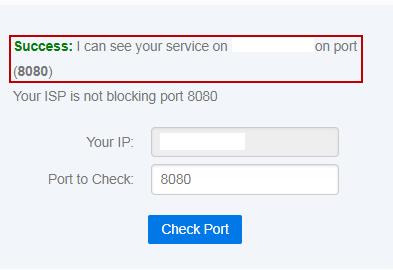
Port status
Namecheap host record configuration
Go to WhatIsMyIP.com and take note of the external IP address (also known as the WAN IP).
Go to Advanced DNS configuration.
In the host records section, create the following:
Type: A record; Host: @; Value: <external-ip>; TTL: Automatic
Type: URL Redirect Record; Host: www; Value: http://<domain>:8080 Masked META (We use this record because www.domain-name.com will be redirected, and “work” in the browser)
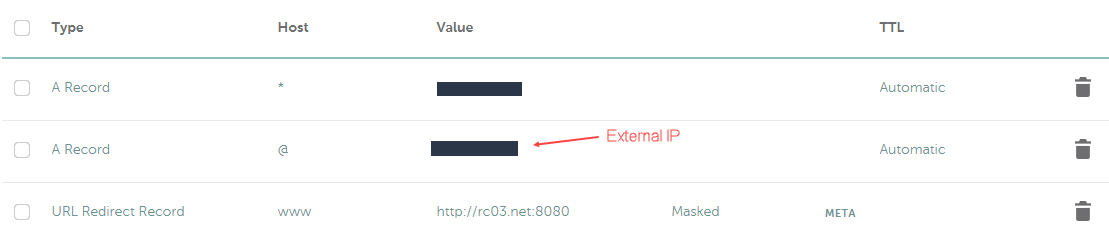
Host records
The record for the wildcard exists for creating virtual hosts in Tomcat, which I will cover in a later document.
Problems I encountered
I have a Netgear C6300BD, and the router is running Firmware Version V2.05.18.
It turns out that this particular router does not support loopback functionality, therefore when you have port forwarding setup, accessing http://<external-ip>:8080 does not work from within the network.
The best to test if the setup is working is by accessing your website from outside the network, and the most convenient way to do this is through a mobile device with.
This post is published on Apr 26, 2026 Sunday 08:31:03 AM CDT